
Moby · AI Trading · Tutorials
Moby AI Trading Tutorials
Short walkthroughs from the Trade on Moby YouTube channel that show each step of setting up and running your Moby AI trading agent.
Fund your agent wallet

Add funds to your Moby agent wallet, or deposit USDC on Solana from any wallet. Whatever you add is the most your agent can trade.
Connect Grok Bot to Moby

Create your agent key in the Moby app, copy the setup prompt into Grok Bot, and put the key in Grok Bot's secure box, never in the chat.
Set your guardrails
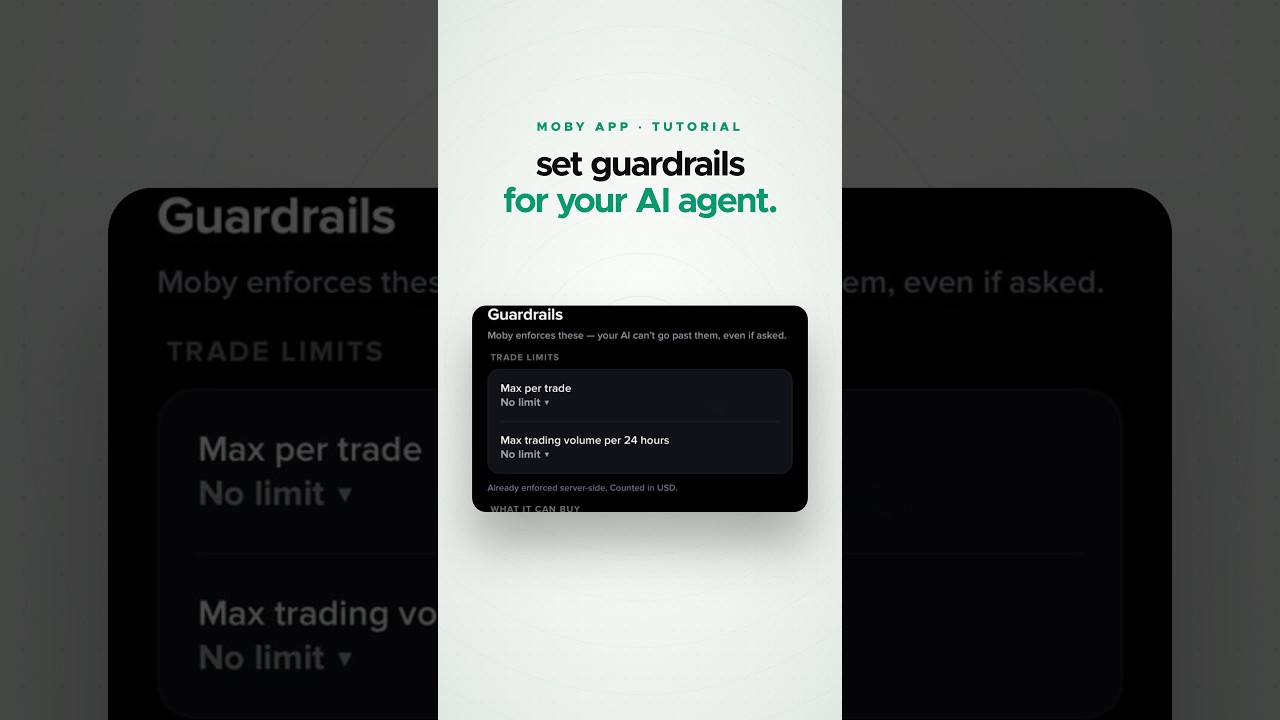
Set a max per trade and a daily buy limit, or pause your agent at any time. Moby checks every buy against them, and sells are never capped.
AI Trading on desktop

Set up Moby AI Trading in your browser at app.moby.win and connect your AI to the Moby MCP server.
Rotate or revoke your agent key

Rotate your agent key to issue a new one and switch the old one off, or revoke it to stop trading. Your funds stay in your wallet either way.
Withdraw funds
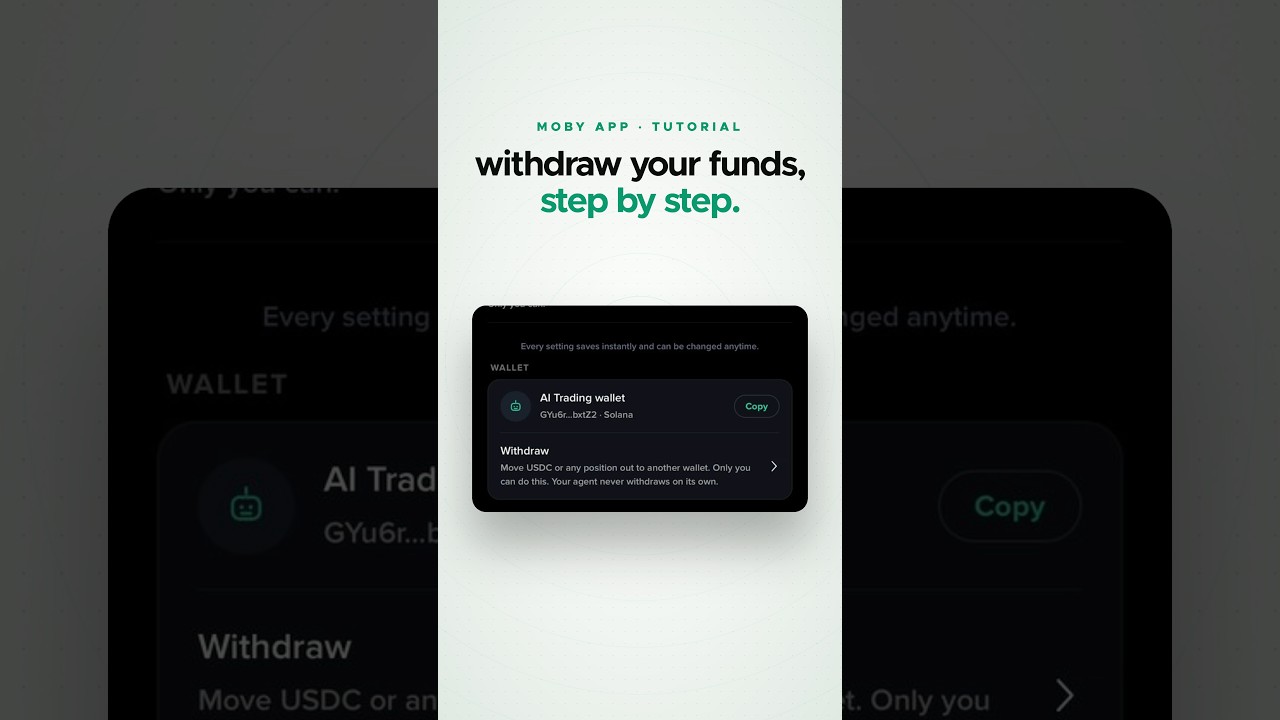
You withdraw from the Moby app to any wallet address you choose. Your agent can't withdraw, transfer or send funds.