
Set up Moby AI Trading on Hermes Cloud
Set up your Moby agent on Hermes Cloud with Telegram (about 10 minutes, no download needed). This guide connects Moby to a Hermes Cloud agent so you can talk to your trading agent from Telegram, including when your laptop is closed.
Hermes Cloud is a client that can send a Bearer token. Supported hosts: Codex, Claude Code (CLI), Gemini CLI (with a paid Gemini API key or enterprise access) and Grok CLI. This tutorial does not add Hermes to that list. Auth is the Bearer token you paste into the portal. The screenshots are from this guide: plan prices and portal screens were not re-checked, and the app is the source for your key and caps. Nothing on this page was run as a live setup.
1. Sign in
Go to https://portal.nousresearch.com/cloud (Hermes Cloud) and sign in or create a Nous account.
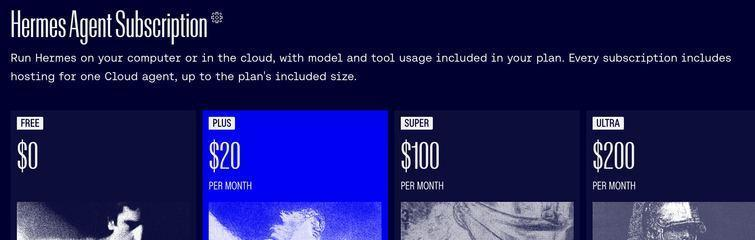
Pick either Free (pay as you go) or a subscription-based plan.
2. Add credit
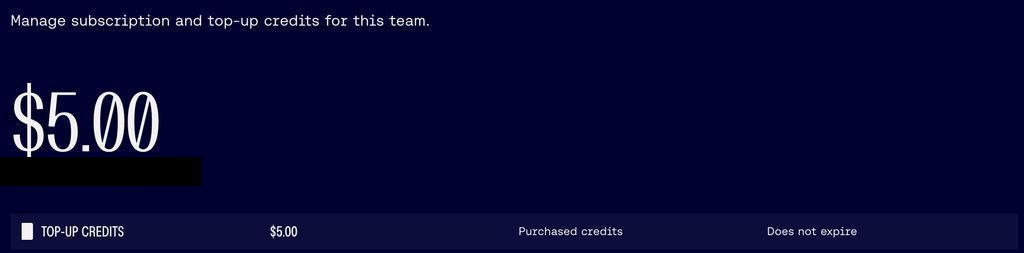
If you chose the free plan, click Buy Credits and add funds. This guide's portal screen shows a $2 minimum. That figure was not re-checked, and it is not a Moby fee.

3. Deploy your agent
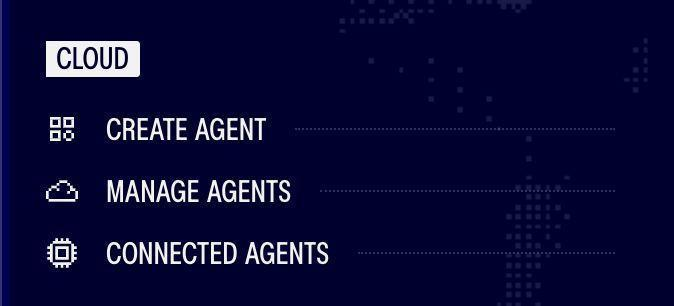
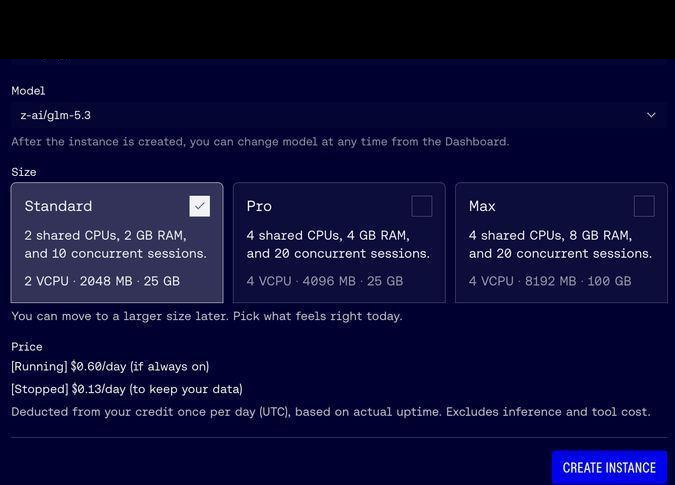
Click Create Agent, pick a cheap model (for example GLM) and the smallest size, then deploy. It takes about a minute.

4. Link Telegram
Go to Manage Agents. Under Your chat accounts, click + next to Telegram, verify your number, then send the /link code it shows to the Hermes Agent bot (the bot link is in the Telegram modal). Keep your number and linking code private. In that chat, type /start. You will also be prompted to /sethome so alerts and scheduled jobs land there.


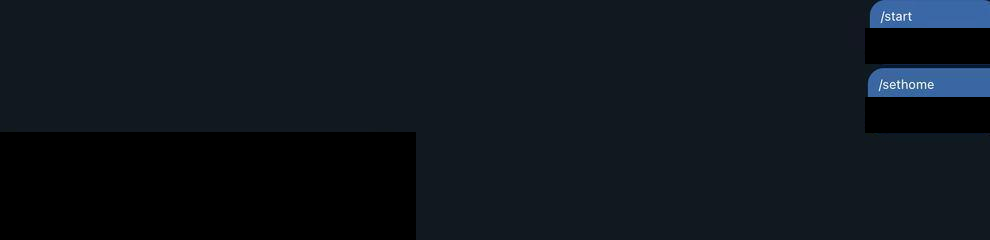
5. Get your Moby key
In the Moby app, go to Agent, then Connect (API Key). Tap Connect an AI, then choose the Streamable HTTP setup that uses a bearer header. The screenshots show that row. It is the Hermes path, not the Grok Bot, Muse, or Claude Code shortcut. On the setup screen, tap Create my key and copy the key. It starts with moby_agent_. Keep it private. Never paste it into Telegram, Slack, or any chat. Paste it only into the Hermes MCP Auth field in the next step.
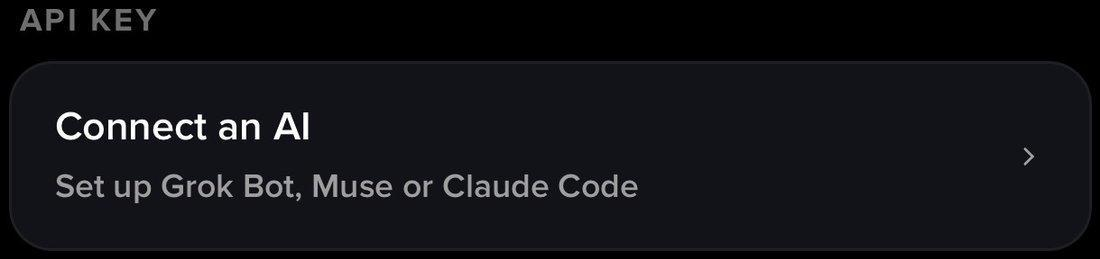

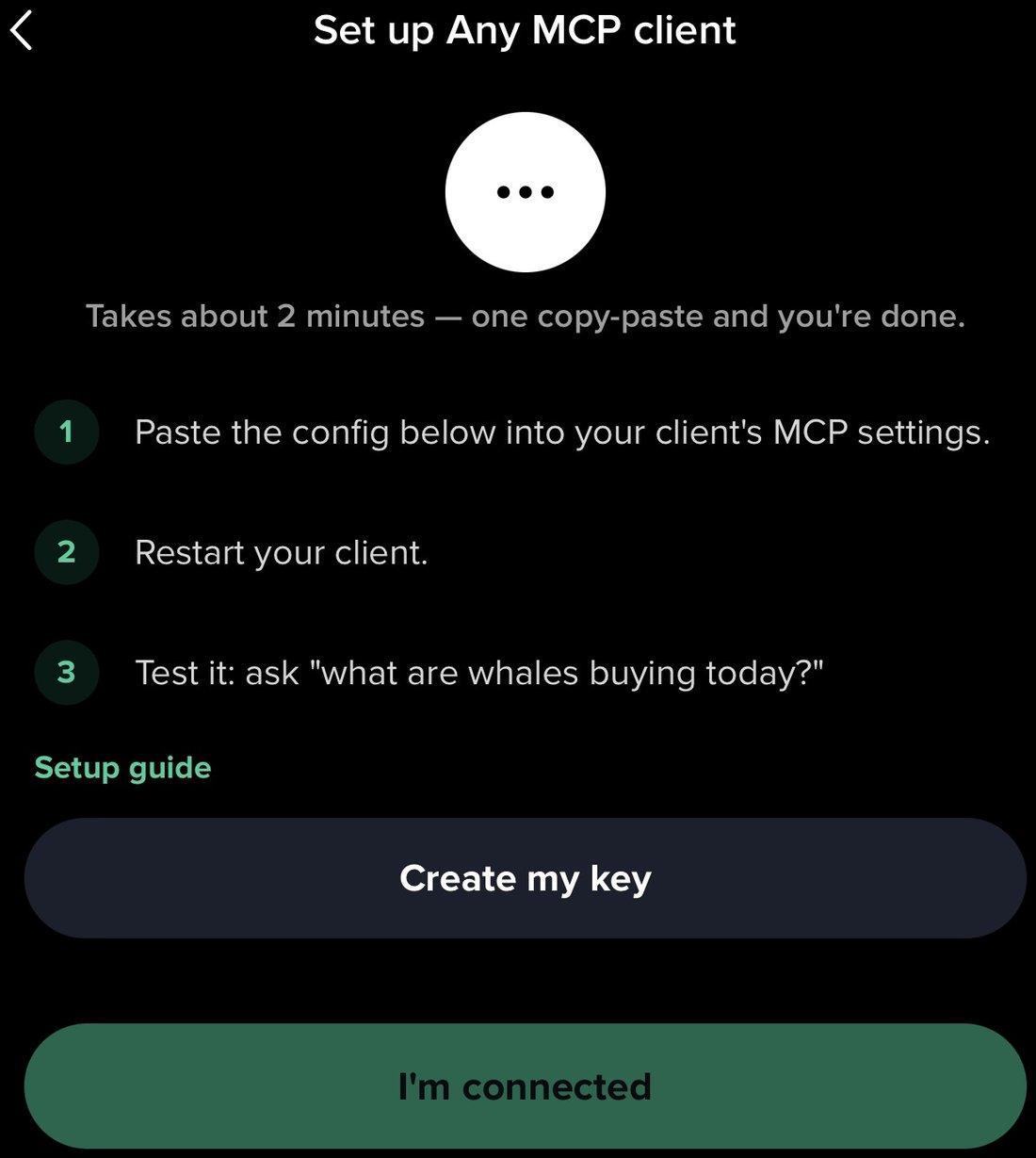
6. Add Moby to your agent
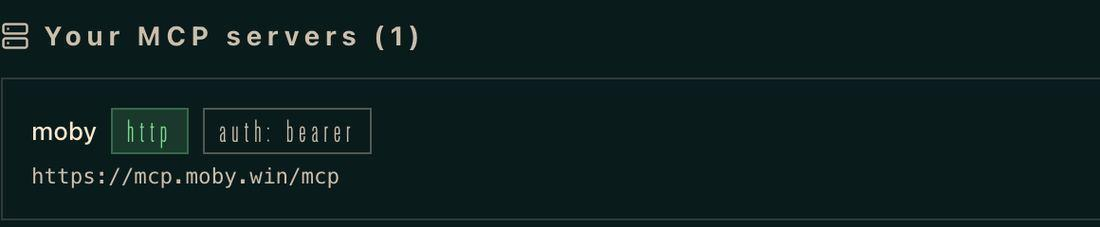
In Manage Agents on the Nous portal, click your agent, then Open Dashboard, then MCP, then Add Server. Moby is not in the portal's Connectors list, so add it manually.
- Name:
moby - Type: HTTP/SSE (or Streamable HTTP if that is what the UI shows)
- URL:
https://mcp.moby.win/mcp- Auth: Bearer token, then paste your own key into the private Auth field.
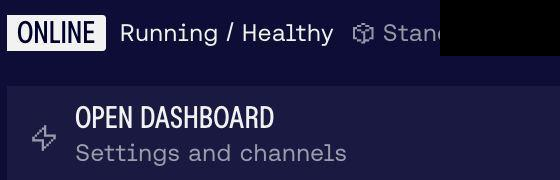

7. Restart
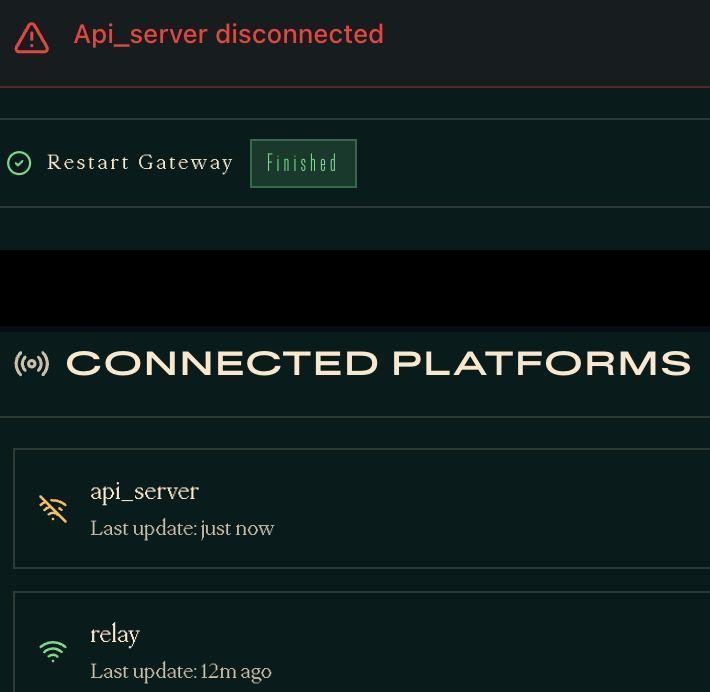
Save, then click Restart Gateway. It shows Disconnected for about 30 seconds, which is normal.
8. Test it
Message the bot on Telegram. This page does not send the message or place a trade.
Use the moby tools to show my agent wallet balance and guardrails. Don't place any trades.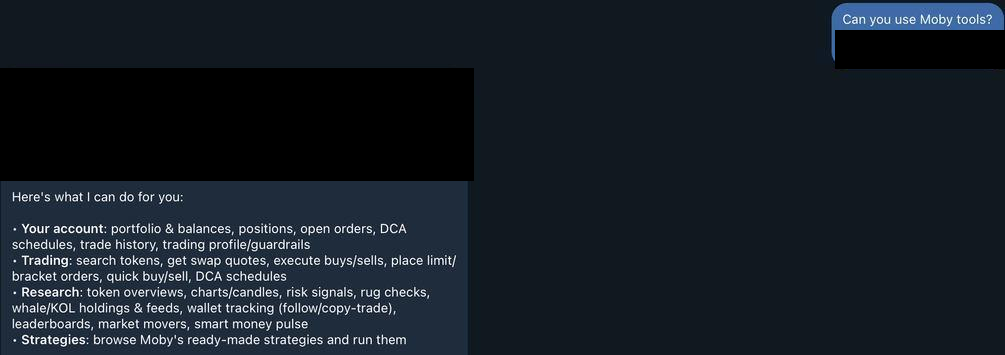
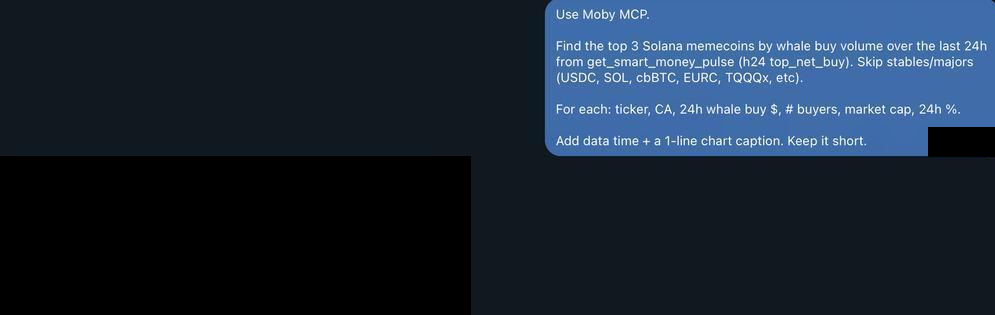
Before you trade
- Fund the Moby agent wallet with USDC (not SOL).
- Set your max per buy and daily cap in the Moby app. The agent cannot change these. You set your agent's per-trade and daily spending limits and market-cap range; Moby blocks red-rated tokens.
The caps you set in the app are the ones Moby enforces. A screenshot in this guide is not a current price or a current cap.
Run these with Moby
Get the Moby app, connect your agent to Moby's MCP, then manage its limits from the app.